June 2, 2026
Skills, life science connectors and use Anara in other apps
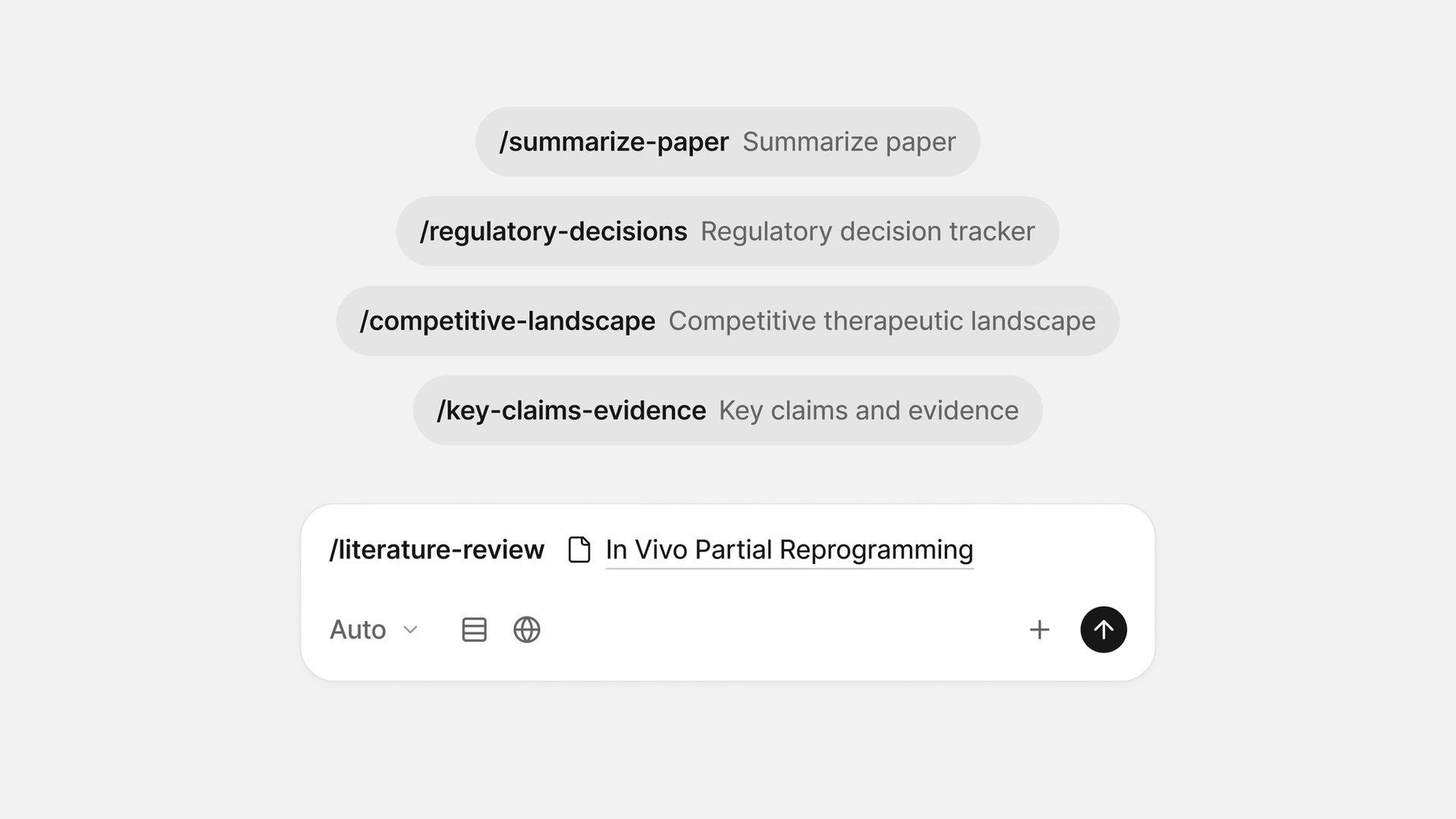
You can now save and reuse your best prompts, search a new set of specialist life science databases, get an instant explanation of anything in a chat answer, and bring the Anara agent and your library into other apps you use. Here is what is new.
Save and reuse your best prompts with Skills
If you find yourself repeatedly entering the same kind of request, you can now save it as a Skill. Type / in any chat to open your prompt library, pick a Skill, and Anara drops the prompt in for you. Create and manage your Skills from Settings, where each one opens in the full chat editor, so you can build in @ mentions, files, and sources exactly like you would in a normal message. If you are not sure where to start, Settings includes a library of more than 100 ready-made Skills you can add in one click, spanning the life sciences, clinical practice and academia, with sets for law, finance, engineering, and policy too.
Anara for life sciences
New connectors let Anara reach specialist scientific platforms directly, making it easier to work across the discovery process, from literature review to data analysis.
BioRender connects Anara to its extensive library of vetted scientific figures, icons, and templates. The Protein Data Bank (PDB) provides access to experimentally determined 3D structures of proteins, nucleic acids, and larger molecular complexes. ChEMBL gives Anara curated bioactivity data on drug-like molecules and their targets. Open Targets surfaces the evidence linking genes and targets to diseases, alongside known drug pipelines. Connect any of them from Settings, and every result is cited back to its source database.
Bring Anara to your AI apps with MCP
You can now connect Anara to other AI apps that support connectors (via MCP, the open standard for linking AI tools), so they can search and read your library, and even call on the Anara agent itself, right alongside their own tools. Set it up from Settings under Connectors. Access is read-only: connected apps can read your library but never change it, and a clear consent screen lets you approve exactly what they can see before anything is shared.
Explain anything in a chat answer
Hit a term or sentence in a reply that you want unpacked? Highlight it and click Explain. A small popover streams a short, context-aware explanation of just that selection, without adding a new question to your conversation.